Personal Knowledge Management
Overview
Implementing a Personal Knowledge Management system is a crucial skill to master as early as possible in your career. One of the most powerful tools you can employ to learn a new technology or system is to write down what you learn. The act of writing things down, in your own words, helps cement comprehension, as well as providing you with a permanent record for you to refer back to in the future. With how fast technology moves, it can be difficult to keep up. I can honestly say, I have forgotten more than I currently know.
What is a PKM (Personal Knowledge Management) System?
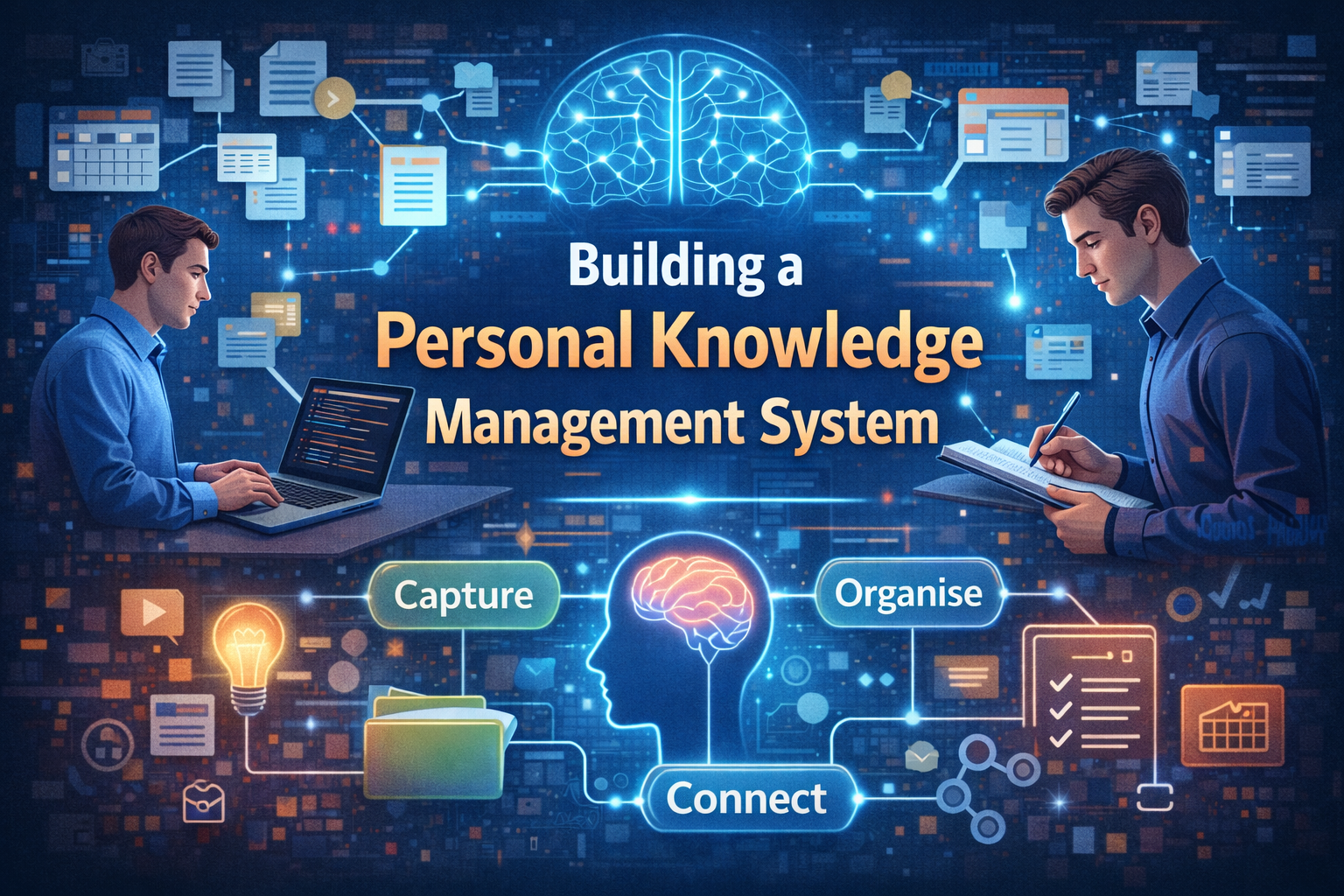
A Personal Knowledge Management system is a structured way to capture, organise, and retrieve information that matters to you. It's not about hoarding everything—it's about building a personalisable, interconnected knowledge repository that grows with your career.
Think of it as an external brain. Your biological brain is excellent at problem-solving and pattern recognition, but terrible at remembering specifics. A PKM system handles the storage and retrieval, freeing your brain to do what it does best: think critically and make connections.
Why You Need a PKM System
As you progress in your career—especially into engineering management—you'll encounter:
- Complex systems and architectures you've built or reviewed
- Team processes and practices you've established
- Decisions and trade-offs you've made (and why)
- Learning from mistakes and lessons learned
- Technical depth in multiple areas
- Interpersonal insights about team members and communication patterns
Without a system, this knowledge lives only in your head. When you leave a role, change teams, or simply need to recall why you made a decision months ago, it's gone.
A PKM system preserves this knowledge in a retrievable format that you can:
- Reference months or years later
- Build on with new insights
- Share with others (mentees, new team members)
- Mine for patterns and connections
- Use as evidence for decisions and recommendations
The Core Principles of PKM
1. Capture Everything Write things down as you learn them. Don't filter or judge—just capture. Your brain will filter later.
2. Your Own Words Write notes in your own language, not copied text. This forces understanding and makes it easier to recall later.
3. Link and Connect Link related notes together. Your knowledge isn't siloed—it's networked. Connections create deeper understanding.
4. Regularly Review Periodically revisit notes. This reinforces learning and helps you spot patterns or new connections.
5. Make It Retrievable Organise so you can find things when you need them. Poor organisation means the knowledge exists but is inaccessible.
Building Your Own PKM System
Choose Your Tool (The Easy Part)
The tool matters far less than the system. Popular options include:
- Obsidian - My personal choice. Local files, powerful linking, very flexible. Excellent for interconnected knowledge.
- OneNote - If you're in Microsoft ecosystem. Good for notebooks and hierarchy.
- Notion - Database-like, good for structured information. Overkill for many people.
- Roam Research / Logseq - Graph-based. Strong for making connections.
- Zettelkasten / Foam - Git-friendly, great for developers. Very flexible.
- Evernote - Old reliable. Good for simple capture and retrieval.
My recommendation: Start simple. Even a folder of markdown files with good naming and internal links will work.
Get Started Faster: The Personal Planning Template
If you're using Obsidian and want to skip the setup phase, I've created the Personal Planning Template — a ready-to-use PKM system that implements all the principles in this article.
The template includes:
- Structured folders that match the 5 note types above (fleeting, literature, permanent, projects, index)
- Pre-built templates for decision notes, learning notes, and literature notes
- Goal tracking system with a visual Goals Board canvas
- Journaling structure for daily and weekly reflection
- Project management sections for both work and personal projects
- Monthly planning & retrospectives to keep you on track
- Dashboard for quick overview of your system
- Archive for completed items while keeping them searchable
- Custom Harlequin Forest theme with coloured folders, goal callouts, and visual hierarchy
How to use it:
- Clone from GitHub: PersonalPlanningTemplate
- Open in Obsidian
- Start capturing in the "+ New Notes" folder
- Follow the weekly review ritual (instructions included)
- Customise the folder structure as you learn what works for you
The template is GPL-licensed and designed to be your starting point, not a rigid system. You'll modify it based on your own needs—and that's exactly what should happen.
Establish Your Structure (The Important Part)
The structure should match how you think, not how some template tells you to think. That said, here's a proven approach:
1. Fleeting Notes Quick captures during the day. Messy, informal, temporary.
- Location: Inbox folder
- Examples: "Remember: async/await best practices from standup", "Question about React rendering", "That article on distributed systems"
- Lifespan: Hours to days. You process these regularly.
2. Literature Notes When reading articles, books, or documentation, take notes.
- Location: By topic (e.g., "React Patterns", "Agile Practices")
- Format: Quotes (with attribution) + your interpretation
- Example: Notes on "Thinking in Systems" by Donella Meadows—what stood out, how it applies to teams
- Key rule: Minimal processing. Just capture and attribute.
3. Permanent Notes Your own synthesis. Written in full sentences, in your own language.
- Location: By topic, with links to related notes
- Format: Comprehensive but focused (500-1500 words typical)
- Examples:
- "How I approach code reviews" (links to: feedback-delivery, team-leadership, communication)
- "The case for async/await" (links to: JavaScript-patterns, performance, readability)
- "Running effective 1:1s" (links to: management, feedback, career-development)
- Key rule: Only write this after understanding the material. High quality, reusable knowledge.
4. Projects & Decisions Document significant work outcomes.
- Location: By project or decision
- Content:
- What was the problem?
- What options did you consider?
- What did you decide and why?
- What was the outcome?
- What would you do differently?
- Examples:
- "Decision: Migrating from Redux to Context API"
- "Project: Rebuilding auth system"
- "Decision: Adopting async/await in the codebase"
5. Index Notes Your maps and guides to the system.
- Location: Top level
- Content: Links to major topic areas, your learning goals, structure
- Examples:
- "Engineering Leadership" → links to all management-related notes
- "JavaScript Mastery" → your learning progression in JS
- "Agile & Delivery" → your practices and learnings
Linking and Connection
The power of PKM comes from connections between ideas.
Bad: Notes sit in isolation
1- Note: Code Review Best Practices
2- Note: How I Give Feedback
3- Note: Influencing Without Authority
Good: Notes are interconnected
1- Code Review Best Practices
2  ↓ (uses principles from)
3- How I Give Feedback
4  ↓ (related to)
5- Influencing Without Authority
6  ↓ (builds on)
7- Trust and Credibility
When you link notes:
- You spot patterns ("I see this principle across different domains")
- You deepen understanding ("this connects to something else I learned")
- You build a navigable knowledge graph
- You create "serendipitous" learning when following links
Linking guidelines:
- Link forward (to concepts you'll understand later) and backward (to foundational concepts)
- Don't over-link (every connection should be meaningful, not just possible)
- Use descriptive link text:
[[How to structure code reviews]]not[[notes/2024/code-reviews]]
Practical Tools & Workflows
Templates for Common Capture Types
Literature Note Template
 1# Source: [Title] by [Author]
 2Date Read: [Date]
 3Link: [URL if applicable]
 4
 5## Key Ideas
 6- Idea 1: [Concept] - [Your interpretation]
 7- Idea 2: [Concept] - [Your interpretation]
 8
 9## Quotes
10> Quote with context
11— [Author]
12
13## How This Applies
14What does this mean for your work? Your team? Your growth?
15
16## Related Notes
17- [[Related concept 1]]
18- [[Related concept 2]]
Decision Note Template
 1# Decision: [Name]
 2Date: [Date]
 3Context: [What was the situation?]
 4
 5## Problem
 6What needed to be decided?
 7
 8## Options Considered
 91. [Option A] - Pros: [X, Y]. Cons: [Z].
102. [Option B] - Pros: [X, Y]. Cons: [Z].
113. [Option C] - Pros: [X, Y]. Cons: [Z].
12
13## Decision
14We chose [Option X] because...
15
16## Outcome
17What happened? Was it the right call?
18
19## Lessons Learned
20What would we do differently?
21
22## Related Notes
23- [[Relevant principle]]
24- [[Similar decision]]
Learning Note Template
 1# Topic: [What I'm learning]
 2Date Started: [Date]
 3Status: Learning / Mastered / Reference
 4
 5## Core Concepts
 6- Concept 1: [Explanation in your words]
 7- Concept 2: [Explanation in your words]
 8
 9## How It Works
10[Your understanding, not copied text]
11
12## Practical Applications
13How do you use this in your work?
14
15## Common Pitfalls
16What's tricky? What did you get wrong initially?
17
18## Resources
19- [[Literature note: Source 1]]
20- [[Literature note: Source 2]]
21- Link to external resource
22
23## Related Knowledge
24- [[Related concept]]
25- [[Building block]]
Weekly Review Ritual
Your PKM only works if you maintain it. Dedicate 30 minutes each week to:
-
Process fleeting notes (5 mins)
- Go through your inbox
- Convert to literature or permanent notes
- Delete if not valuable
-
Review and link (15 mins)
- Review recent permanent notes
- Look for connections to other notes
- Add links
- Fix any unclear language
-
Update indices (5 mins)
- Ensure your top-level index reflects new areas
- Add tags to notes if you use tagging
-
Spot patterns (5 mins)
- Scan recently linked notes
- Notice themes or repeated concepts
- Consider if you need a new permanent note that synthesises these
Time investment: 30 minutes/week = 26 hours/year = massive return on knowledge accessibility and retention.
Getting Started: A Simple Approach
You don't need the perfect system. Start here:
Quick start (recommended): Use the Personal Planning Template and skip straight to Month 2.
Build from scratch: Follow the month-by-month approach below.
Month 1: Capture
- Choose a tool (Obsidian, Notion, OneNote—doesn't matter)
- Create folders: Inbox, Articles, Learnings, Decisions
- Start capturing: One note per day minimum
- Don't worry about structure yet
- Goal: Build the habit of writing things down
Month 2: Organise
- Look at what you've captured
- Group notes by topic
- Rename notes clearly: "How I approach code reviews" not "notes_march"
- Create a simple index
- Goal: Start to see structure emerging
Month 3: Connect
- Add links between related notes
- Fill in missing connections
- Refine your index
- Goal: Start seeing patterns in your thinking
Ongoing: Maintain
- Weekly review ritual (30 mins)
- Capture new learning immediately
- Write permanent notes when you understand something deeply
- Let the system grow organically
Common Mistakes to Avoid
1. Over-Systematisation Don't spend 3 hours perfecting your folder structure. Messy notes are better than zero notes. Structure can evolve.
2. Only Capturing, Never Processing A system with 1000 unprocessed notes is useless. Weekly review is essential.
3. Trying to Capture Everything You'll drown in low-signal noise. Be selective. Capture things that will be useful to future-you.
4. Writing Copied Text Copy-paste doesn't create understanding. Always rephrase in your own words.
5. Zero Linking If your notes are completely isolated, you lose the power of connection and pattern-finding.
6. Abandoning It During Busy Periods Your PKM is most valuable when you're in crunch mode and don't have time to re-learn something. Don't drop it.
Why This Matters for Your Career
As you grow into senior and leadership roles, your knowledge becomes your currency. Teams rely on you to remember decisions, learn from mistakes, and guide them through new problems.
A PKM system:
- Improves decision quality - You can reference past decisions and their outcomes
- Accelerates learning - New information connects to existing understanding faster
- Makes you more effective - You spend less time re-learning and more time thinking
- Increases your credibility - You can articulate why you make decisions, backed by analysis
- Helps you develop others - You have documented knowledge to share with mentees
- Protects against burnout - You're not holding everything in your head
Your brain's capacity for problem-solving and innovation is finite. Stop wasting it on remembering. Use a PKM system to free your brain for what it does best: thinking.
Next Steps
- If you're using Obsidian, get started immediately with the Personal Planning Template. It includes everything in this article, pre-built and ready to customise.
- If you prefer another tool, choose it this week and create basic folders: Inbox, Learnings, Decisions.
- Start capturing one thing per day. Just one.
- Do a weekly review for 30 minutes each Sunday.
- After 3 months, reflect on what's working and adjust.
The perfect PKM system is the one you'll actually use. Start simple, maintain consistently, and let it evolve with your needs. The template is designed to give you structure without rigid constraints.
I'd genuinely like to hear about your PKM journey. What tool do you use? Are you trying the template? What's your challenge—capturing, organising, or retrieving? Reach out on LinkedIn—I'm curious what's working for people.
Mark Lambert is an Engineering Manager at Avayler (Halfords Group) focused on building effective engineering cultures, modern development practices, and knowledge management systems. He's passionate about helping teams and individuals work smarter, not harder. Connect with him on LinkedIn or read more at mlambert.uk.